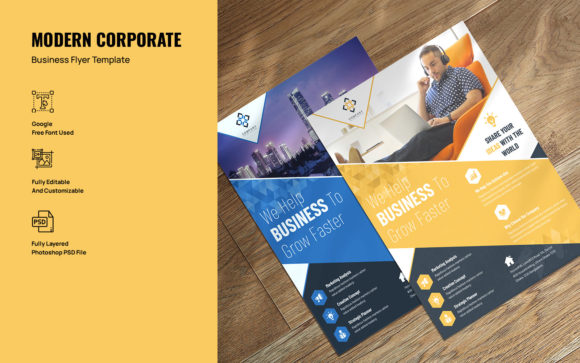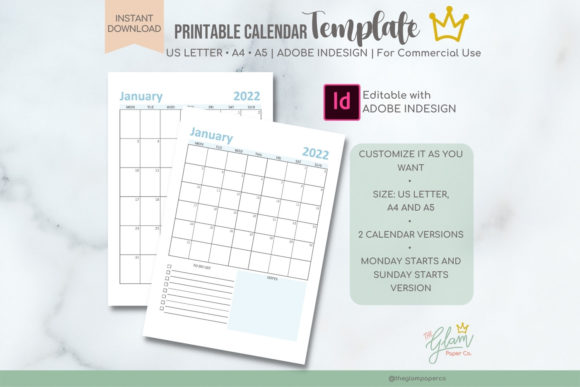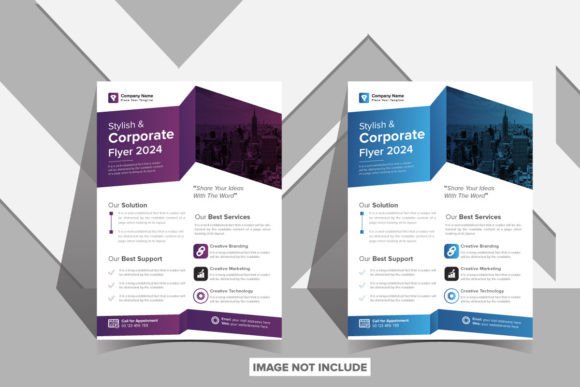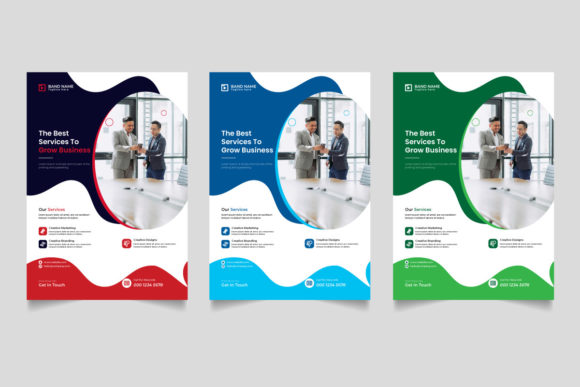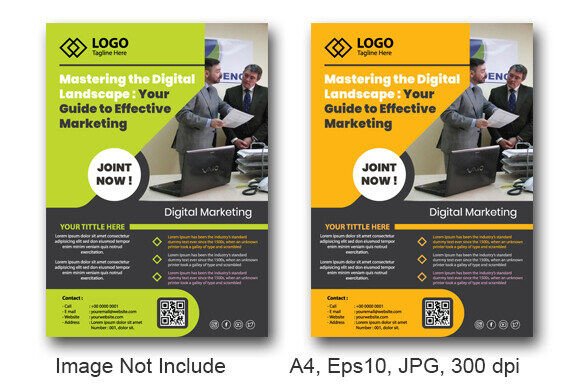
Master Your Marketing with Editable Digital Flyer Templates
Imagine this: you have a flash sale starting tomorrow, a community event next week, or a new product launch that needs immediate visibility. The clock is ticking, and your budget for a professional graphic designer is nonexistent. This scenario is a daily reality for small business owners, freelancers, and content creators. The solution isn't settling for mediocre, uninspired visuals; it's leveraging the power of an Editable Digital Flyer Template Design. These templates are more than just pre-made layouts; they are strategic assets that bridge the gap between a brilliant idea and a polished, market-ready visual that captures attention and drives action.
Beyond the Blank Canvas: The Strategic Advantage
Starting with a blank canvas can be paralyzing. A high-quality template does the heavy lifting of foundational design, offering a professionally crafted structure that you simply infuse with your brand's unique voice. Think of it as a blueprint for communication. The visual hierarchy is already established—where the headline grabs the eye, how the supporting text flows, and where the call-to-action naturally lands. This isn't just about saving time; it's about starting from a point of strength. You're not guessing at layout or spacing; you're refining a proven framework. This approach is invaluable for creating cohesive brand identity materials, ensuring that every flyer, social post, or digital ad feels like it belongs to the same family, strengthening recognition with every interaction.
Practical Applications: From Screen to Street
The true beauty of a versatile digital flyer template lies in its adaptability. It’s a single file that can fuel a multitude of marketing channels, ensuring visual consistency without the need to reinvent the wheel for each platform.
- Social Media & Digital Ads: Quickly resize and repurpose the template for Instagram Stories, Facebook event covers, or LinkedIn announcements. A consistent visual language across platforms builds trust.
- Print Materials: Export your customized design for high-impact physical materials. Perfect for in-store posters, handout flyers at trade shows, direct mail inserts, or even packaging design inserts that share your brand story.
- Web & Email Marketing: Use elements from the flyer design to create website banners, blog post graphics, or compelling email headers that maintain your campaign's visual thread.
- Events & Invitations: From grand opening invites to workshop registrations, a well-designed template sets the tone and professionalism of your event before it even begins.
- Merchandise & Editorial Layouts: Adapt the core design aesthetic for editorial design in a digital magazine or use key graphics on simple merchandise like stickers or tote bags.
Choosing Your Visual Voice: Typography and Style
The included fonts and typographic choices within a template are its personality. A bold, modern sans serif font conveys energy and clarity, ideal for a tech startup or fitness promotion. An elegant serif font might suggest tradition and reliability, perfect for a law firm or luxury service. If the template features a script font or handwritten font, it injects a personal, artisanal feel, great for bakeries, boutiques, or creative workshops.
When selecting a template, scrutinize its typographic pairing. Does the display font for headlines complement the body text? Is there enough contrast for readability? A good template will have done this work for you, but understanding the principle helps. For instance, pairing a strong sans serif headline with a clean serif body copy is a classic, reliable combination that ensures information is both impactful and easy to digest. Always preview the template with your own content—your business name, your specific event details—to see if the modern typography still holds up with your real-world text.
Maximizing Impact: From File to Finished Product
Once you've chosen your design asset, the customization process is key to making it uniquely yours. Start with the core elements: replace placeholder text with your compelling copy, and swap stock images with high-quality photos of your product, team, or event. Then, align it with your brand. Adjust the color palette using your official hex codes. If the template uses a premium font you don't own, check the licensing or substitute it with a similar creative font from your library.
Don't just accept the template as-is. Use it as a starting point for your own font pairing experiments. If the included script font feels too casual, try a more structured handwritten alternative. The goal is to create a professional presentation that feels authentic to your brand. Finally, always test the readability at different sizes. Will the small print be legible when printed as a poster? Does the headline still pack a punch as a tiny social media thumbnail? This attention to detail transforms a generic template into a powerful marketing asset that engages your audience and elevates your brand's visual communication. The downloadable file, often in formats like EPS or JPG, is your starting point for this creative and strategic process.